











A great online lesson often moves at two speeds. Sometimes the whole class needs to hear the same explanation, and sometimes small groups need room to talk ideas through together.
Video conferencing and live streaming match those two speeds. Video conferencing works best for interactive learning, where students talk, share screens, and get answers in near real time. Live streaming, the option teachers sometimes overlook, works best for reaching a large audience at once, and lessons are often saved so students can replay them before a test. Teachers eager to get started can build interactive lessons in myViewBoard today.
For teachers weighing the two, read on to explore the key differences, the classroom moments where each tool works best, and how both can be brought into a single lesson.
Video Conferencing vs Live Streaming at a Glance
| Video Conferencing | Live Streaming | |
|---|---|---|
| How it works | Participants join a shared session and send audio and video both ways | One presenter sends a single feed out to many viewers |
| Interaction | Full two-way audio, video, and screen sharing | Mostly one-way, with chat, polls, or Q&A |
| Best group size | Small groups where everyone takes part | Large audiences, from a full class to thousands |
| Timing | Near real time | Typically a few seconds behind live |
| Connection needs | Higher, since each person sends and receives video | Lower for viewers, with quality that adjusts to each connection |
| Recording | Optional, usually started manually | Often saved automatically for replay |
| Best for | Discussion, group work, tutoring, office hours | Lectures, assemblies, guest speakers, school events |
Benefits of Video Communications
In general, there is quite a bit of overlap when it comes to the advantages that live streaming and video conferencing bring to education. For example, the ability to reach students in remote locations or those without traditional classrooms. It also offers convenient access if you’re at home or even stuck in traffic. You won’t have to worry about making up or missing a lesson as long as you have a stable internet connection.
Cutting Cost
If handled correctly, both live streaming and video conferencing can help save schools and students time and money. Many students and teachers already possess everything they need for video communications: laptops or smartphones. While virtual schools are able to save money on space and school supplies, students are can save time and money on costs such as transportation.
It is important to manage the technology gap, however, especially for remote learning.
Bringing in the Experts
Another commodity that video conferencing and live streaming bring to the classroom is expertise. This is especially true for isolated school environments where certain professionals might be hard to come by. Let’s say you are a principal looking for a suitable French teacher for your rural school. While at one time this may have seemed a daunting task, access to professional teachers is now relatively easy with tools like video conferencing and live streaming.
Information at Your Fingertips
Imagine you are a science teacher but are now able to invite a specialist within a specific field for a Q&A or to give a small presentation. Perhaps you’re in an area with no nearby museums or attractions, but with live streaming, you are able to show your classroom famous places like the San Diego Zoo. Suddenly your teaching material has increased ten-fold.

When Is Video Conferencing Best?
Education is about more than just lessons. It’s also about the collaboration between peers and effective communication with teachers. Video conferencing is ideal for collaboration in distance learning. Its features allow for quick, clear communications with a small group of people.
Take a look at these benefits of video conferencing to see if this is the best solution for your lessons.
Two-Way Communication
Video conferencing works by connecting two or more computers for direct communication. This allows for multiple people to share audio and video chats freely and in a more natural manner. Of course, it also allows features that aren’t available in live conversations, including the ability to turn off the camera or mute the microphone.
Mainstream platforms can host hundreds of participants, and discussion flows best in smaller groups. For larger classes, breakout rooms let more students take an active part in the conversation.
Multiple Screen Sharing
Since much of the work we do these days is digital, it can be very helpful to share one’s screen. This is especially true for academic tasks that require processing data or media. And while live streaming allows the teacher to share their screen, one of video conferencing’s biggest advantages is students’ ability to share their screens. This means that students can collaborate with peers or get extra guidance from the instructor.
But again, this isn’t always necessary. And in large groups, it can get distracting. So this is also a feature reserved for group work or online office hours.
On-Demand Agility
Video conferencing is a very agile communication tool. It’s as quick and easy as a phone call or text message to just jump on a video chat, chat and communicate as necessary, and then go on your way. This makes it great for asking and answering quick questions among just a few students who need it.
And while quality can drop significantly, it’s also possible to join a group video chat on mobile devices. Doing so may use up a lot of mobile data, but it is an easy way to open up communications wherever you are.
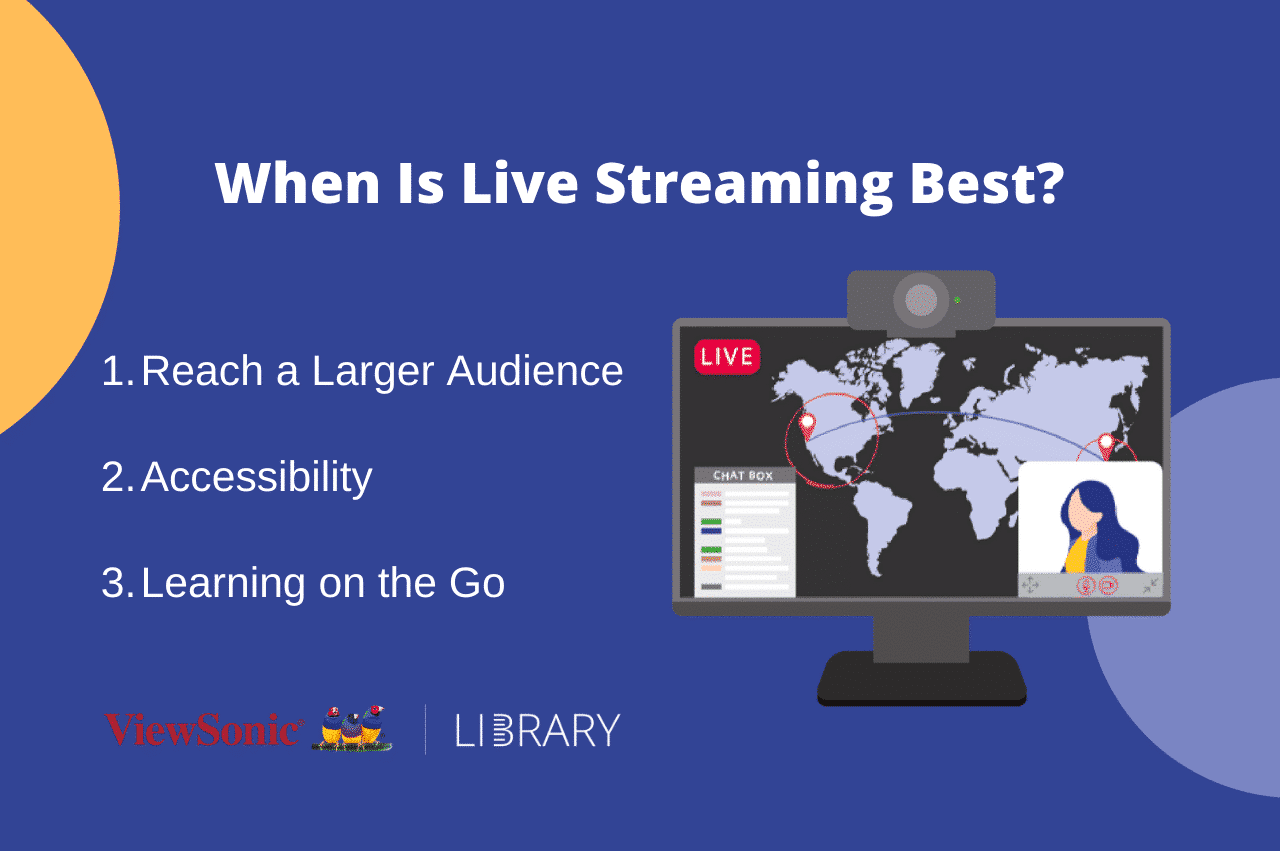
When Is Live Streaming Best?
Live streaming rose to popularity on gaming and creator platforms, where one person routinely broadcasts to thousands at once. Schools and universities now use the same model for lectures, assemblies, and events. This medium is an ideal choice for teachers to deliver lectures and content to large and spread-out groups.
Check out these benefits of live streaming and see if they suit your needs.
Reach a Larger Audience
While the smaller groups of video conferencing are ideal for some, live streaming possesses a clear advantage in reaching more people at once. Live streaming enables you to reach hundreds, thousands, or even more potential students quickly with just a few clicks.
This can be especially beneficial if you are a teacher who is putting out free lessons or if your goal is to simply get as much exposure as possible. For a class of 30 or 40, either live streaming or video conferencing can work well. The deciding factor is how much students need to talk.
Accessibility
Another benefit you will find with live streaming is instant sharing. Even after a lesson is done, it is normal for automatic recordings to be saved and for students to have the ability to revisit lessons that have passed.
Because each viewer connects to the stream separately, one student’s connection never affects anyone else’s picture, and stream quality adjusts to each viewer’s bandwidth. Streams typically run a few seconds behind live, so chat questions work best when teachers collect them for a Q&A segment.
Learning on the Go
Another big difference is the ability for students to view lessons while on the go. With live streaming offering a way to transmit information with less bandwidth it is easier to connect from a cellphone or mobile device, while video conferencing could be a greater strain on your computer.
It is also typically expected that you are in a suitable perhaps quieter location suitable for video conferencing. While live streaming it is easier to simply listen in, so it may be easier for students to view lesson materials while on the bus or while laying in bed.
[embedded content]
Should Distance Learning Use Video Conferencing or Live Streaming?
In the end, the decision of video conferencing versus live streaming comes down to what you are using the tool to accomplish.
Video conferencing is the best tool for collaboration. With its two-way communication, multiple screen sharing, and ease of setup, it’s ideal for small groups that need to communicate quickly and efficiently for classwork. However, its high bandwidth requirements and multiple channels of communication aren’t scalable to large groups of participants.
Live streaming is the best tool for broadcasting lessons. A live stream is much more scalable to large groups in terms of both accessibility and mobility thanks to streamlined formats and reduced data usage. However, live streaming is inherently limited in how participants can collaborate with the presenter and each other, so while it works very well for large-scale lectures and lessons, it doesn’t work very well for collaboration within smaller teams.
Ideally, an effective distance learning program would include elements of both video conferencing and live streaming at different points in the lesson. Neither tool is a magic bullet, but together they can help address many of the issues faced by remote learners.
Check out myViewBoard to discover robust tools for both video conferencing and live streaming.
Frequently Asked Questions About Video Conferencing vs Live Streaming
Video conferencing is a two-way meeting where every participant can speak, share video, and share screens. Live streaming is a broadcast from a presenter to an audience, with interaction through chat, polls, or Q&A. Video conferencing suits discussion and group work, while live streaming suits lectures and events for larger audiences. ViewSonic’s myViewBoard software helps teachers build interactive lessons for online and hybrid classes.
Live streaming is the better fit for large classes that mainly need to watch and listen. Video conferencing also supports large groups and is at its best when students are actively discussing in smaller numbers. For a class of 30 or 40, either format works well, depending on how much students need to talk. The myViewBoard whiteboarding platform makes it easier to teach online classes of any size.
Live streaming is usually lighter on the viewer’s side because students only receive video. In a video conference, each participant also sends their own camera feed, which benefits from a steadier connection. Stream quality also adjusts to each viewer’s bandwidth, which helps students on slower connections follow along. In the classroom, ViewBoard interactive displays give teachers a large screen for leading lessons, whichever format remote students join through.
Yes, most streaming platforms support live chat, polls, or moderated Q&A. Streams typically run a few seconds behind live, so collecting questions for a dedicated Q&A segment works especially well. Teachers who want real-time back-and-forth can switch to a video conference for that part of the lesson. Adding a Q&A page to a myViewBoard lesson gives the stream a natural pause point for questions.
Yes. A common approach is to stream the lecture to the whole group, then move students into video conferencing breakout groups for discussion or project work. Mixing the two gives teachers both reach and interaction in a single class period. With myViewBoard, teachers can present the same lesson materials in both parts of the class.